
online course
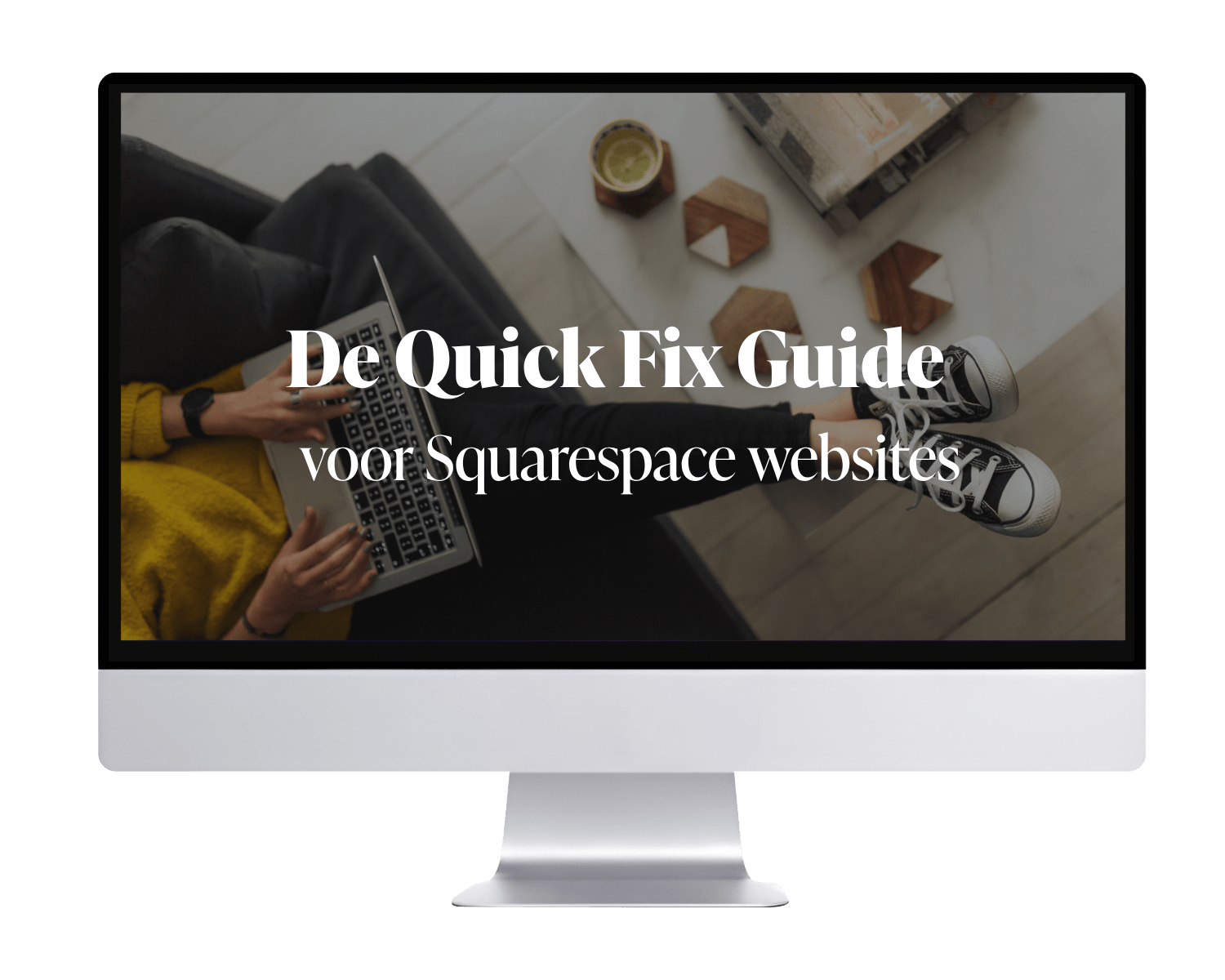
The Quick Fix Guide
Your Squarespace website can do so much more for you.
This online course, divided into 6 modules, shows you how you can easily improve your website on your own.
Wanneer is deze mini-cursus geschikt voor jou
Je hebt een Squarespace website.
Zelfgemaakt of laten maken.

In principe is ‘ie af.
Maar je weet ook dat er eigenlijk meer in zit:
Je wilt meer websitebezoekers.
Meer mensen die contact opnemen.
En een website die er professioneler uitziet dan nu.
Het goede nieuws: je hoeft geen nieuwe website. Je hebt een paar slimme aanpassingen nodig.
You don't want a redesign.
You don't want an expensive web designer.
Just get started on your own.
The Quick Fix Guide consists of six video modules. Each module covers one aspect of your website. If you address all of these points, your website will improve significantly, step by step.
These are the six modules →
Module 01
SEO Essentials
What do you need to do to rank higher in Google (and, as a result, in AI as well)?
1.1 SEO Options in Squarespace
1.2 Use of Heading Text
1.3 Hide from search engines
1.4 URL Structure
1.5 Google Search Console
1.6 Google My Business
Module 02
Images
Large images slow down your website, and neither your website visitors nor search engines like that. In this module, you'll learn how to fix that.
2.1 Optimize images for web use
2.2 Set up a social sharing image
2.3 Upload a favicon
Module 03
Structure and text layout
How to make your content easier to read so that your website visitors can find what they're looking for more quickly.
3.1 Rewriting Texts
3.2 Slogan & tagline
3.3 Clarify navigation
Module 04
Navigation & Call to Action
In this module, you'll learn how to encourage website visitors to take action, rather than just letting them leave.
4.1 Bottom and Top Navigation
4.2 Call to Action
4.3 Separate pages for your offerings
4.4 Internal Links
4.5 Additional pages
Module 05
Mobile optimization
Fluid Engine gives you a lot of freedom. But on mobile devices, things can get messy if you're not careful. This module prevents that from happening.
5.1 Designing the Mobile Version
5.2 Check your mobile logo and menu
Module 06
Legal documents
It’s not the most fun part, but it’s a necessary part of a good website.
6.1 Privacy Statement
6.2 Terms and Conditions, Cookie Banner, and Cookie Policy

This guide is for you if you:
have a Squarespace website that you built yourself
or had it made, but you're wondering if there's more to it
don't feel like spending hours searching on YouTube or Squarespace forums
don't have the budget for a complete redesign, but still want results

Hi, I'm Sandra, a Squarespace web designer

I’ve been working with Squarespace since 2016. I’ve helped over a hundred entrepreneurs with their websites.
Through support calls, I get to see websites that people have mostly built themselves. I actually see the same mistakes popping up over and over again. Of course, these aren’t made on purpose, but because people lack the necessary knowledge.
This guide covers the points I always explain. It’s in video format, so you can apply them to your own website.

Frequently Asked Questions
-
Yes. Everything is explained step by step with short videos. You don't need to know anything about coding or technology.
-
Some fixes take effect immediately, such as improvements to loading speed and design. SEO and conversion rate optimization take more time—it can take several weeks.
-
You can always email me. If anything is unclear, I’ll update the guide and let you know. For questions that go beyond the scope of the guide, you can schedule a support call.
-
One year. The idea is that you get started now, not in six months. The downloadable checklist that comes with the guide is yours to keep.
-
Yes. Not satisfied with the content? Send me an email within 14 days and I'll refund your money.
-
That's possible. There's probably some useful content in there for you. But the guide is designed exclusively for Squarespace, so you won't get as much out of it as a Squarespace user would.
Your website can do so much more for you.
Get started today.
Once payment is complete, you'll get immediate access so you can get started right away.
39 euros (one-time fee)
© 2026 Square It Up


