The best plugins for your Squarespace website in 2026
This blog post contains affiliate links.
Squarespace is a great platform, but it has its limitations. Fortunately, there are plugins and extensions that address these issues or let you make your website more visually appealing without needing to know anything about CSS or JavaScript.
Below are the plugins that offer the most value to coaches, service providers, and other business owners with a Squarespace website.
plugin
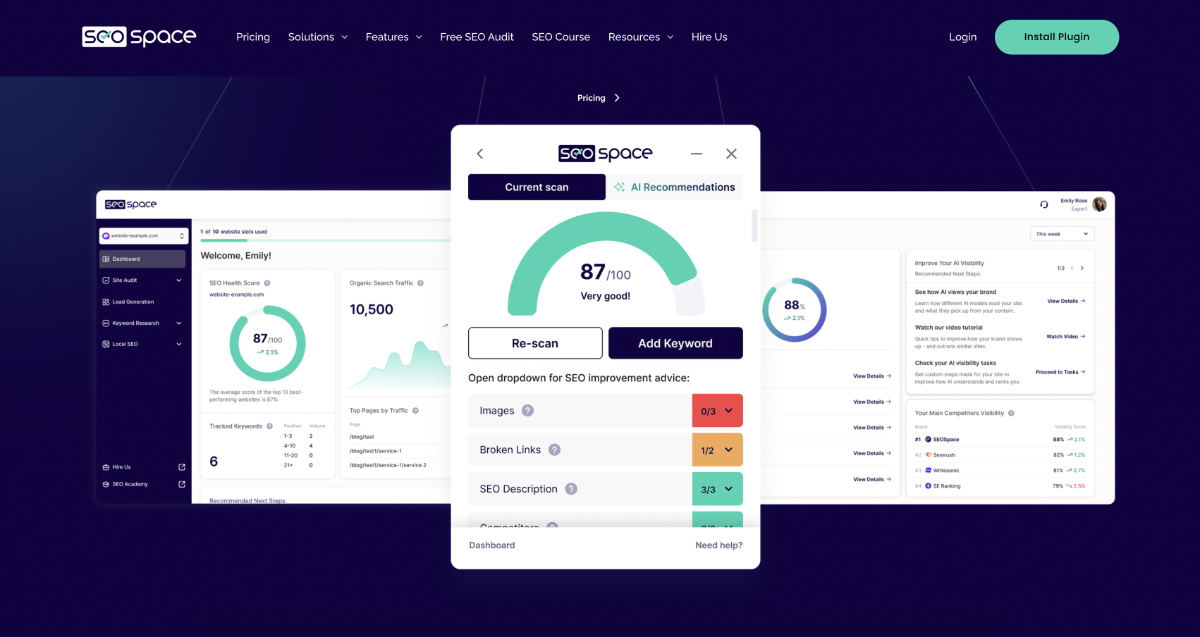
SEOSpace
If you want your website to be found by (AI) search engines like Google and ChatGPT, this plugin is a no-brainer. After a full scan of your website, you can improve your SEO and AIO step by step for each page.
Cost: starting at $10 per month (there is a free version, but it's very basic)
Plugins
Will Myers' plugins
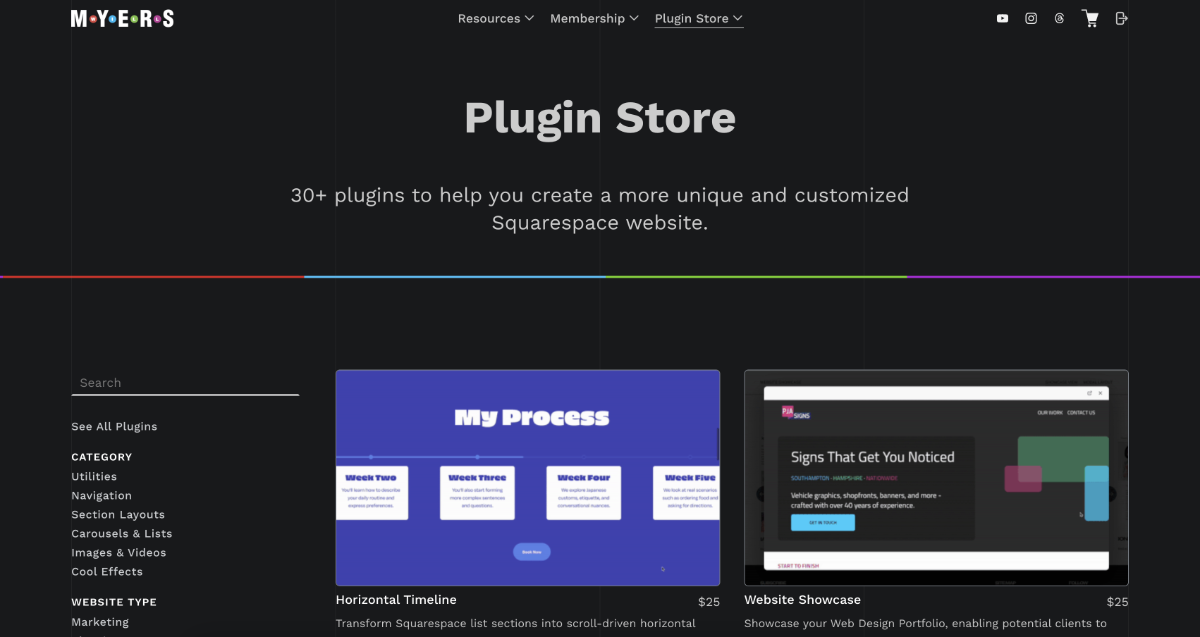
On Will Myers' website you can purchase individual plugins from the plugin store.
In addition to the plugin store, there’s also a membership for Will’s Toolkit. Besides code snippets, a Slack community, and discounts on plugins from the store, it also includes the AI assistant Robo-Will. If you work a lot with CSS and JavaScript, this is a real must-have. Just tell it what you want, and it generates the code.
Costs:
Plugin store - an average of $25 per plugin
Will’s Toolkit - $15 per month or $150 per year
App
Kleemt
This new app was launched in April 2026. With Kleemt, you can add sections with unique layouts and effects to your Squarespace website with just one click. This makes it super easy to give your website a professional and creative look.
Costs: a one-time fee of 49 euros

Widgets
Elfsight
Elfsight offers a wide variety of widgets. I find the Google Reviews widget the most interesting, and I use it myself. It allows you to integrate the Google reviews you’ve collected on your Google Business Profile into your website.
Costs: depends on the widget

Software
Plug&Pay
It’s not a plugin per se, but a separate tool for creating a payment page that offers more features than Squarespace does. You connect the payment provider Mollie (or Stripe) to Plug&Pay, allowing you to offer both iDEAL and Bancontact payments to your customers.
iDEAL payments have been available in Squarespace Payments since February, but Bancontact is not. If both payment methods are important to you, Plug&Pay offers a good solution. In addition, Plug&Pay offers many more features than Squarespace’s standard checkout. So if you want to use upsells and checkout deals, Plug&Pay’s payment links provide a good solution.
Cost: starting at 15 euros per month

Integration
Weglot
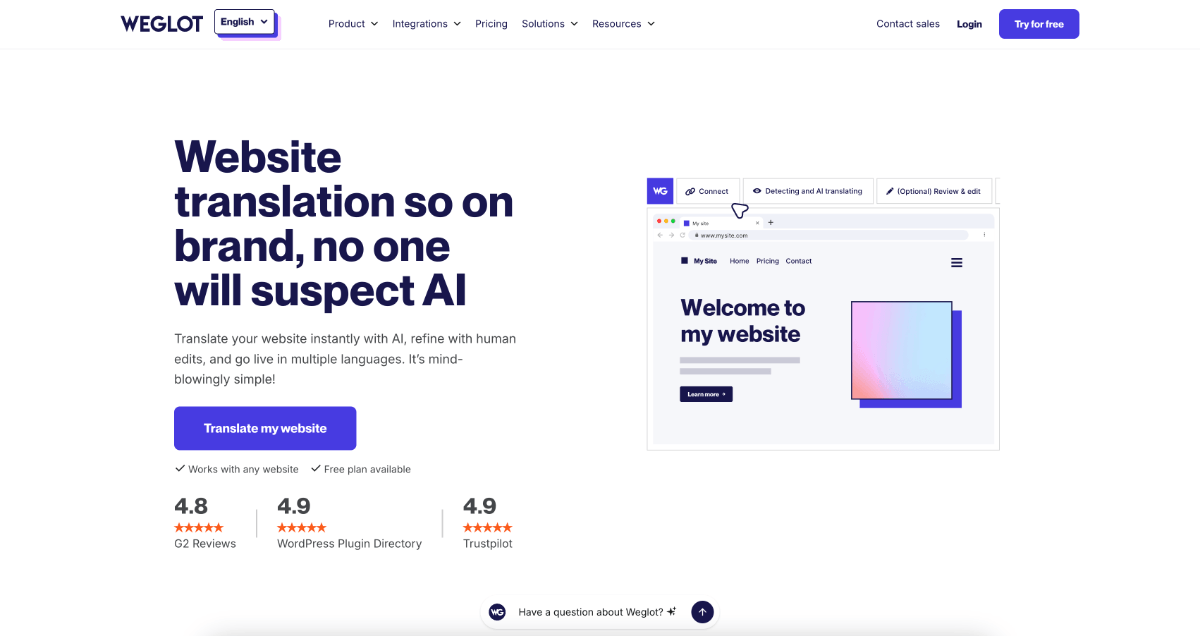
If you want to make your website multilingual, Weglot is the most comprehensive solution. Translation is done automatically, you can manually adjust anything as needed, and it also helps your SEO. There are cheaper alternatives, but Weglot the most professional solution.
Costs: starting at 15 euros per month (there is a free version, but it has limitations)
Would you like to try Weglot with a three-month trial period instead of two weeks, plus a lifetime 15% discount? Just get in touch, and I will set that up for you.
Extension
SquareKicker
This plugin for 7.1 websites is incredibly useful if you work with CSS a lot and want to speed up your workflow. It’s also great if you enjoy enhancing your website with features like animated elements. After installing the extension, you’ll see an extra SquareKicker for each block in your website’s backend, allowing you to add these effects.
Costs: starting at$19 per month (there is a free two-week trial)

Plugin
Spark
Just like SquareKicker, with Spark you can add a lot of extra effects to your website. It works just a little differently. Most of the effects are pre-made, whereas with SquareKicker, you can customize everything yourself .
Costs: starting at $9 per month

Websites
Plugin websites
Of course there are many more plugins than the ones listed above. Here are a few websites that offer a variety of free and paid plugins:
SQSP Themes - https://www.sqspthemes.com/plugins/
Ghost Plugins - https://www.ghostplugins.com/
Square Refresh - https://squarerefresh.com/
SF Digital - https://sf.digital/squarespace-extensions
SQS Mods - https://www.sqsmods.com/
Are you having trouble with your website and looking for a solution? Book a support call, and we’ll take a look at it together.





From SEOSpace to Plug&Pay and Weglot. An overview of useful tools to add more features and design options to Squarespace—and to help your site rank higher in search results.